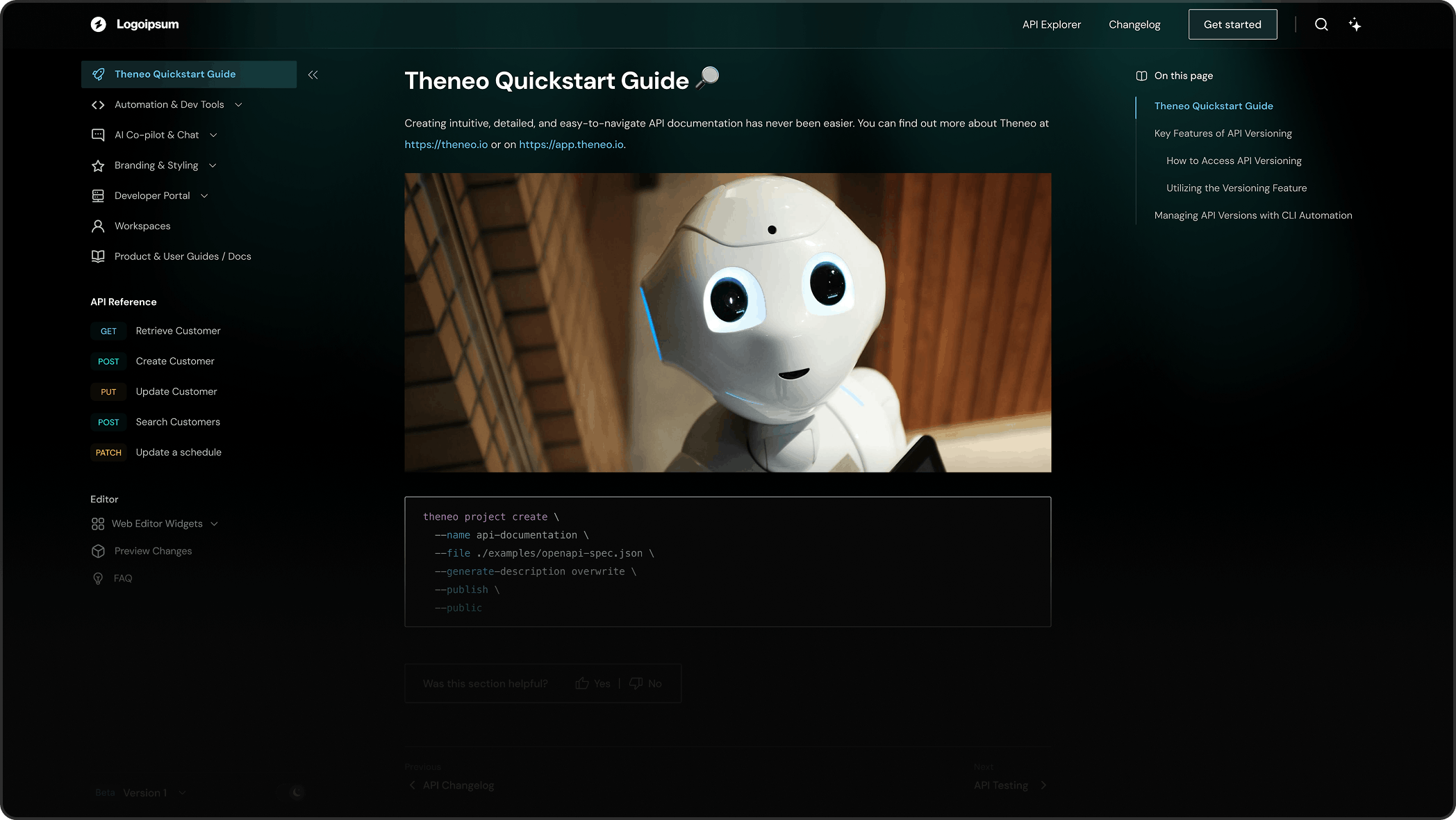
Quickstart
This quickstart takes you from zero to a published, AI-powered documentation site in minutes. You’ll create a project, bring in your content, let AI write the descriptions, brand it, and publish it to your own domain.
Add your content
First, decide what you’re bringing in:
An API spec
REST (OpenAPI/Swagger), SOAP, GraphQL, gRPC, or AsyncAPI, or a Postman / Insomnia collection.
Existing docs / markdowns
Markdown guides, tutorials, and help-center content from your repo or another platform.
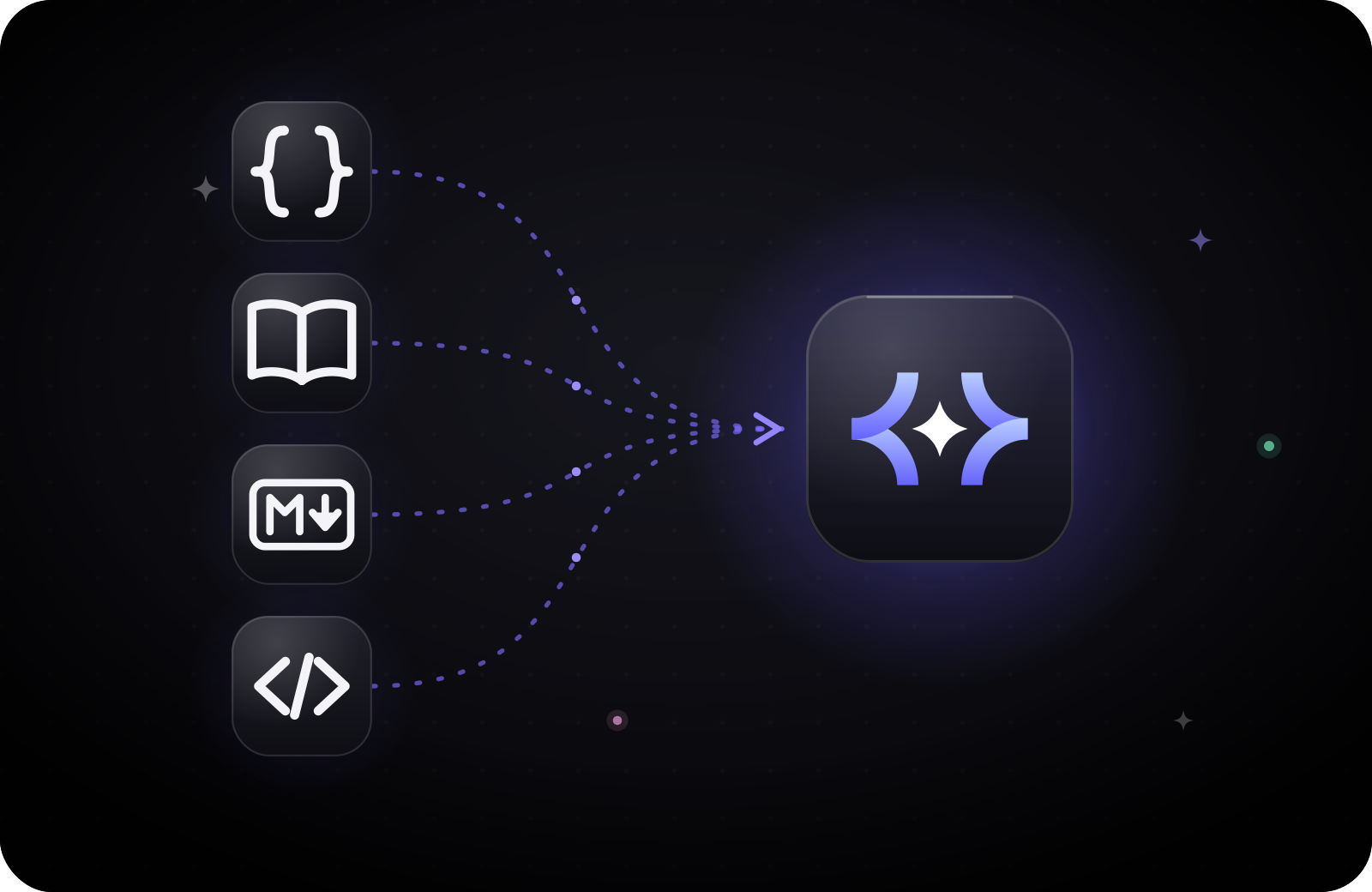
Migration from another platform
Nothing yet
Start blank, then pick Other Docs and build from ready-made section templates.
Create your project
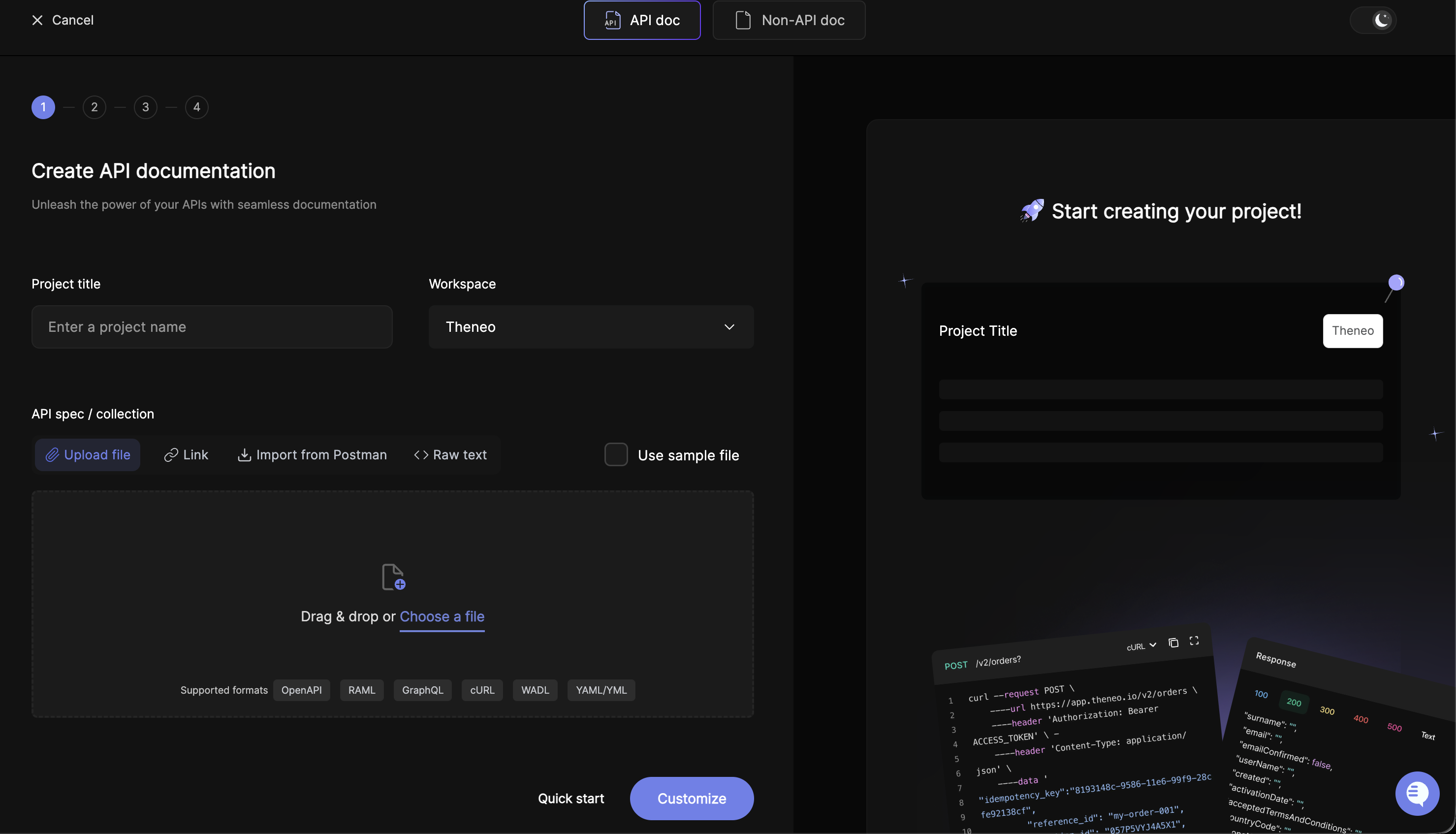
From the dashboard, click Create Project, give it a name, and choose a workspace.
If you’re on a Personal workspace, switch to Corporate first. Personal can’t invite teammates, share private projects, or use domain whitelisting. Corporate is included free. More on workspaces.
Then choose how to import it:
The fastest way to start. On the Create Project screen:
- API spec: upload your file, paste a link, or connect a Postman collection. Theneo parses and structures it automatically.
- Guides: building user guides, tutorials, or a help center? Choose Other Docs (Non API-doc tab).
and pick your starting sections. See Guides & Content.
Writing with Claude or Cursor? Point your assistant at Theneo's skill.md so AI-generated content follows Theneo's structure.
To update an existing project later, open the editor's Endpoints → Import Collection. The [Import Your API](https://app.theneo.io/theneo/quickstart/editor/api-management/api-import) guide explains each import option: Merge 2.0, Append, Overwrite, and Endpoints Only.
For docs-as-code and CI/CD. Import an API spec or your Markdown. Remember to follow Theneo’s Markdown structure, or use Theneo’s skill.md.
   npm install -g @theneo/cli@latest
theneo login
theneo project create --name my-api --file ./openapi.yml --generate-description fill --publish
Bringing Markdown instead? theneo create --dir ./docs --name my-docs. Full reference: [Theneo CLI](https://app.theneo.io/theneo/quickstart/automation-and-dev-tools/theneo-cli).
Let AI write it
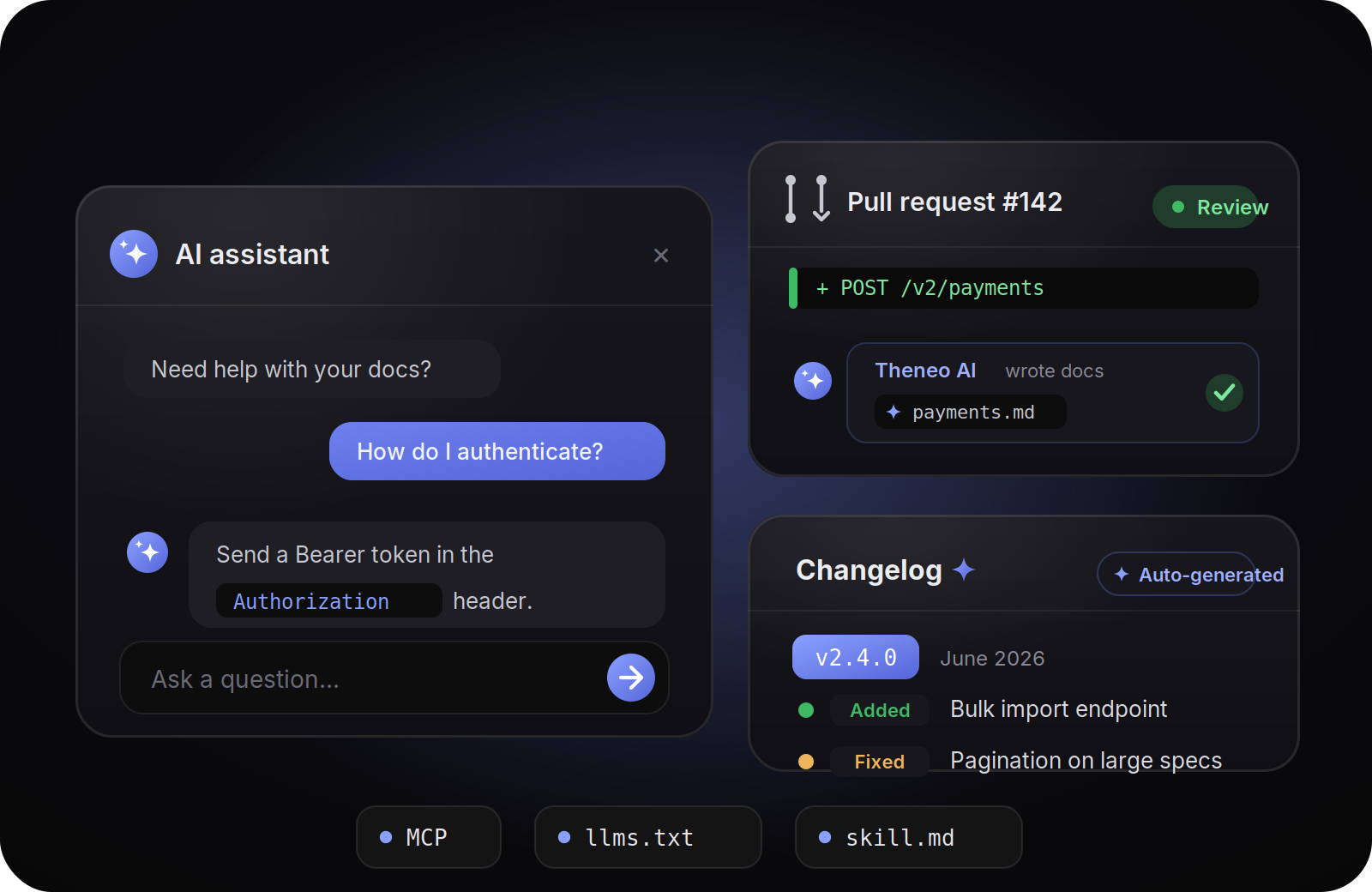
The AI Co-pilot drafts your endpoint, parameter, and response descriptions automatically. On import, choose how much it does: Full, Enhance, or Off.
Writing with Claude or Cursor? Point your assistant at Theneo’s skill.md so AI-generated content follows Theneo’s structure. See AI in Theneo.
Make it yours
Apply a theme in one click, then set your branding: logo, colors, and fonts. No code required.
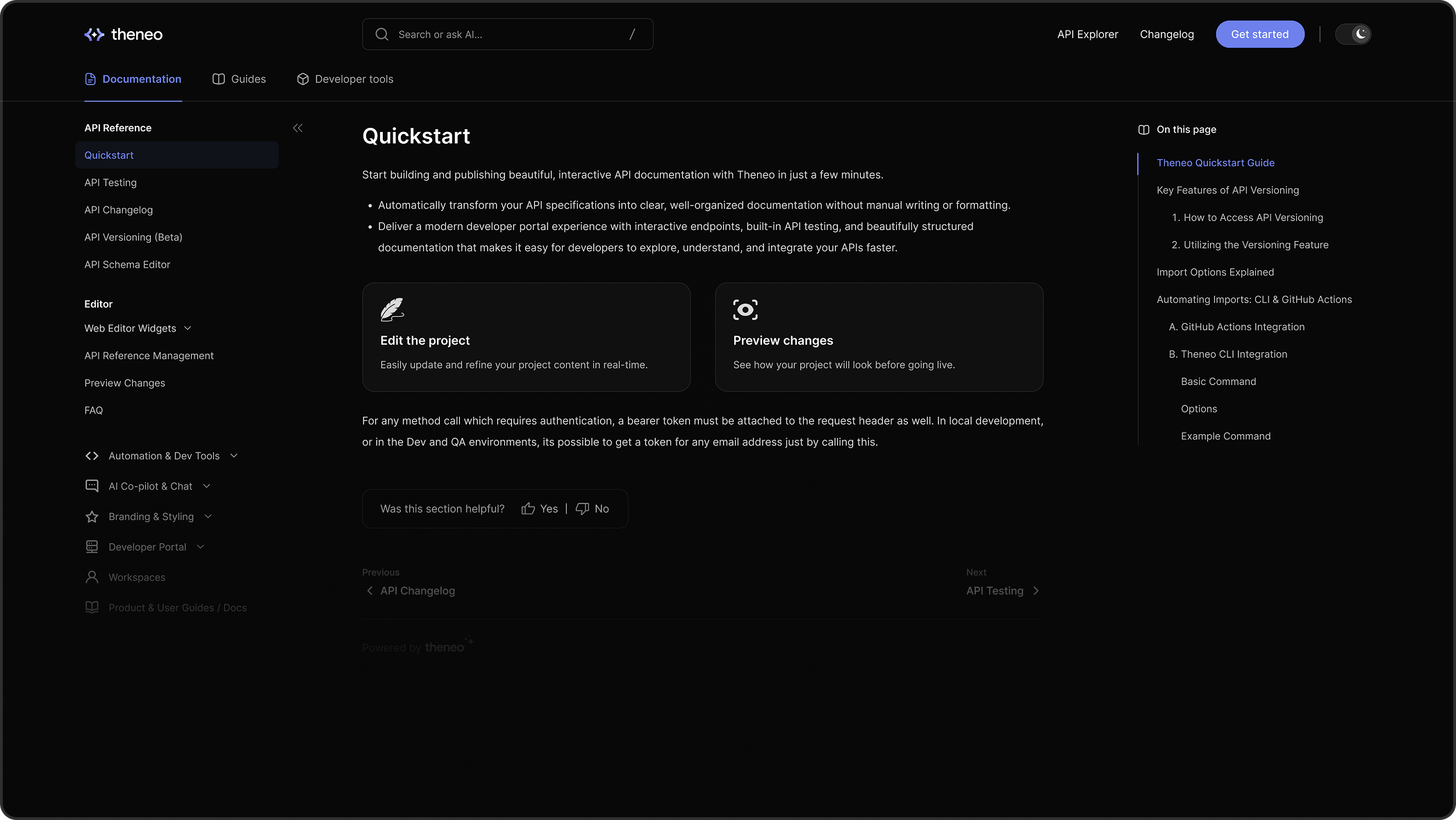
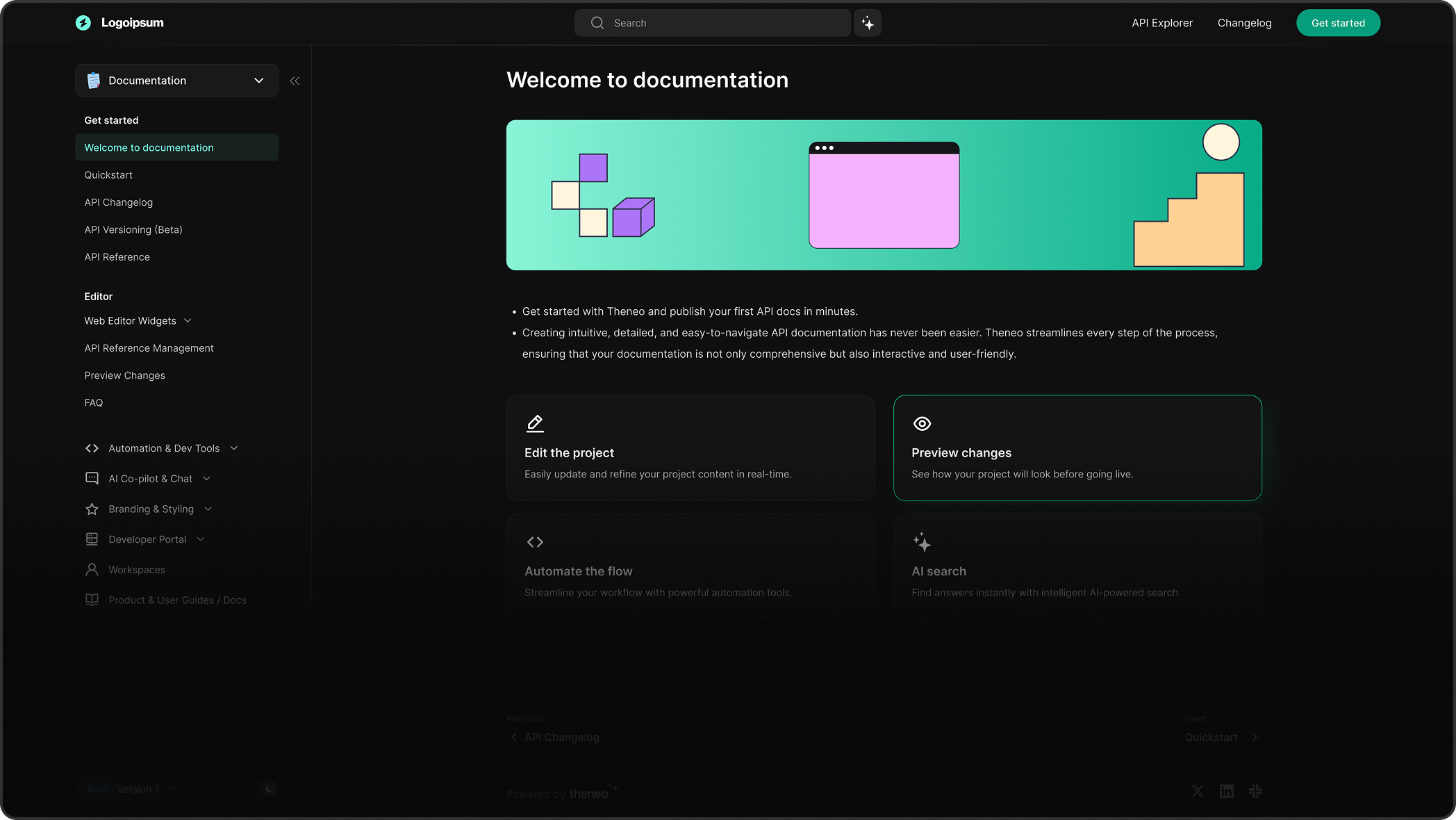
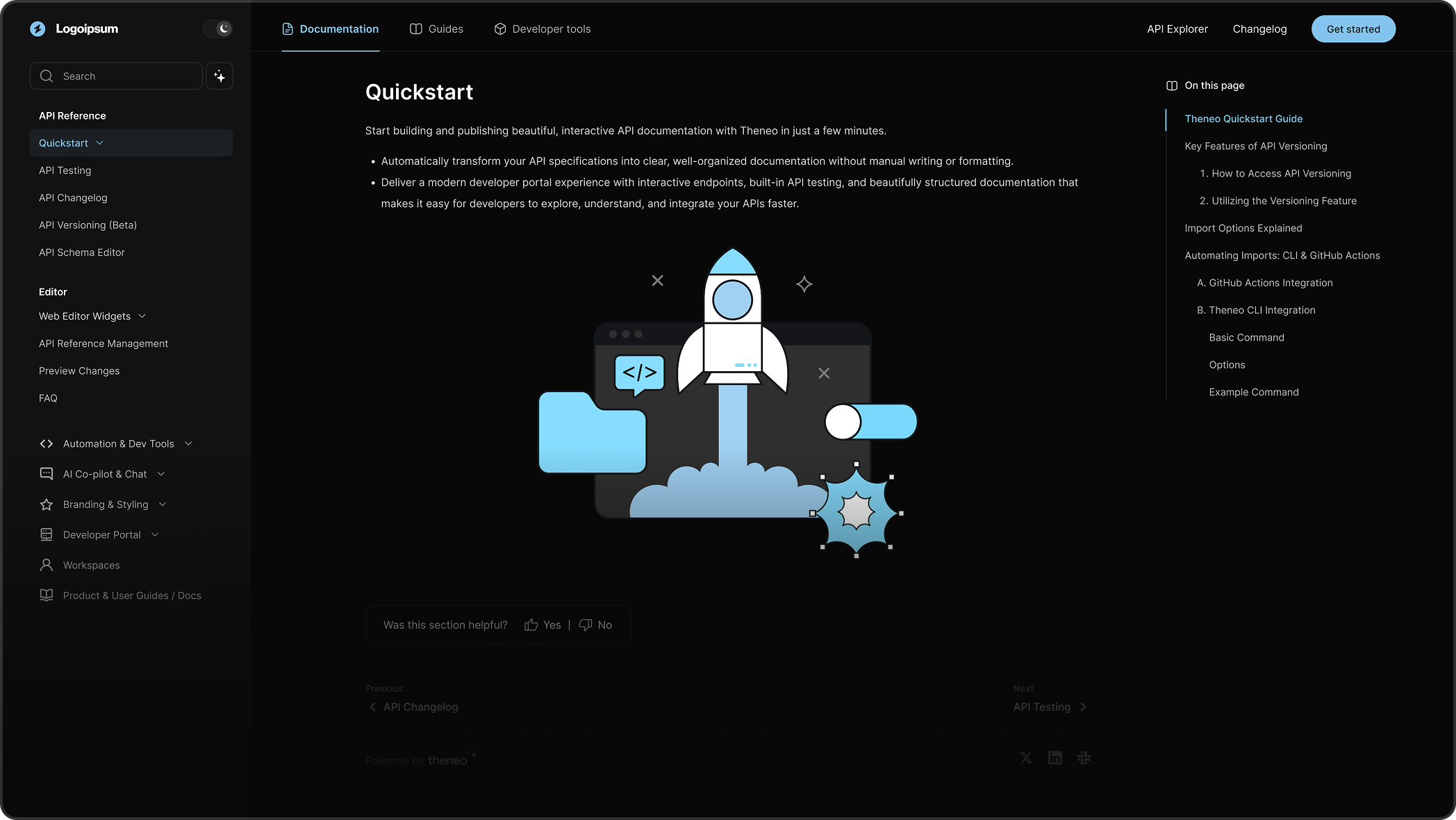
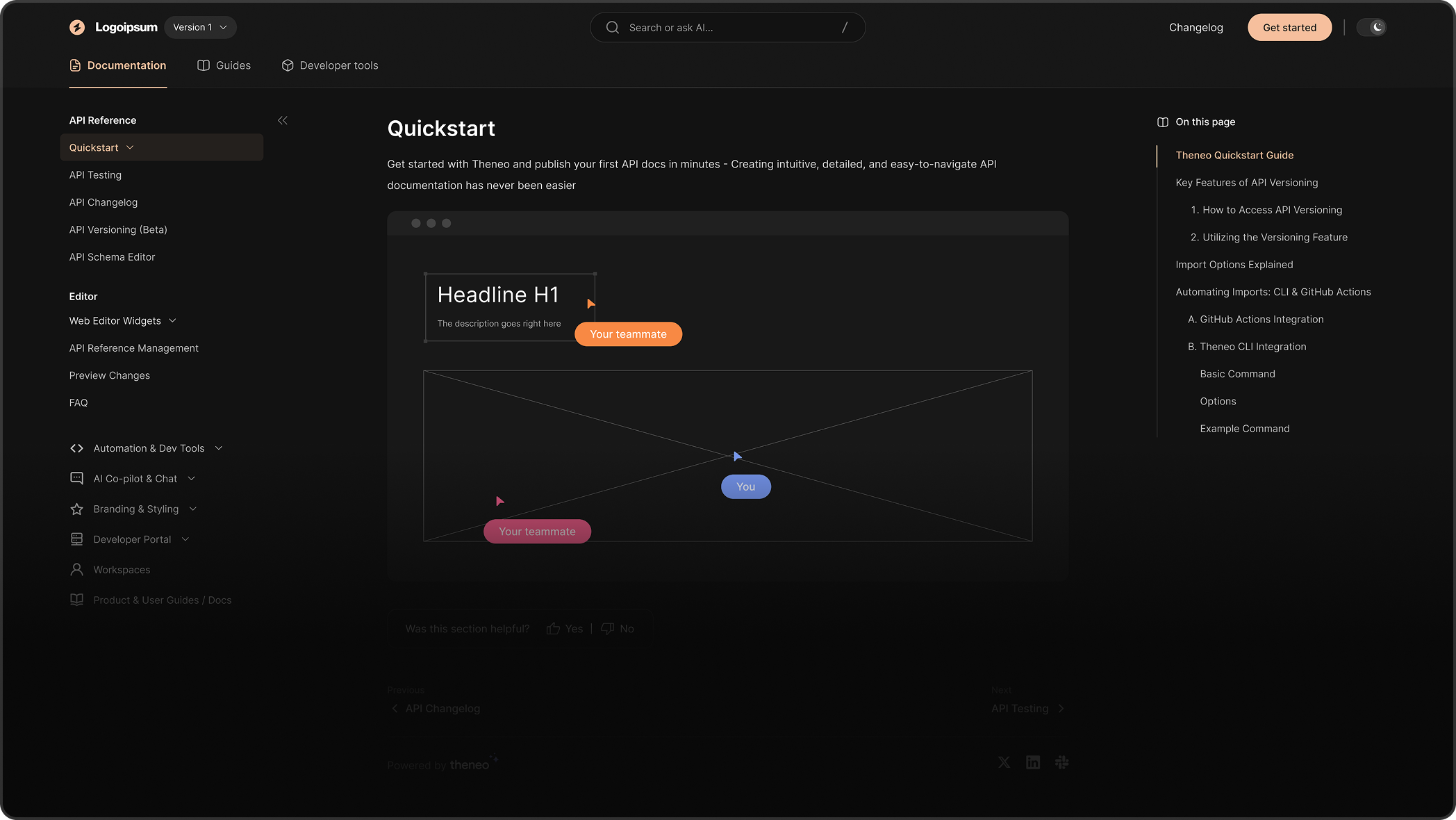
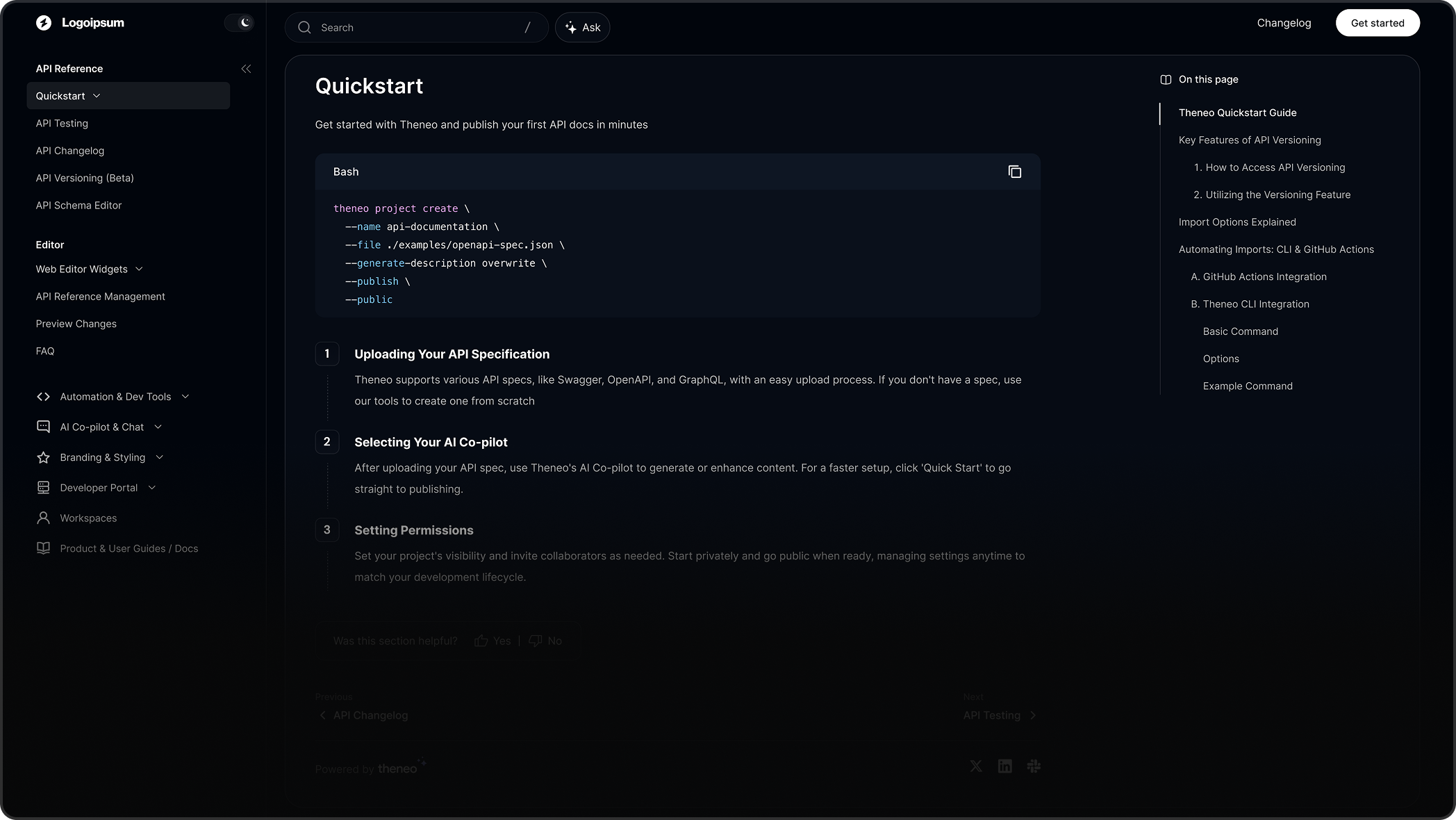
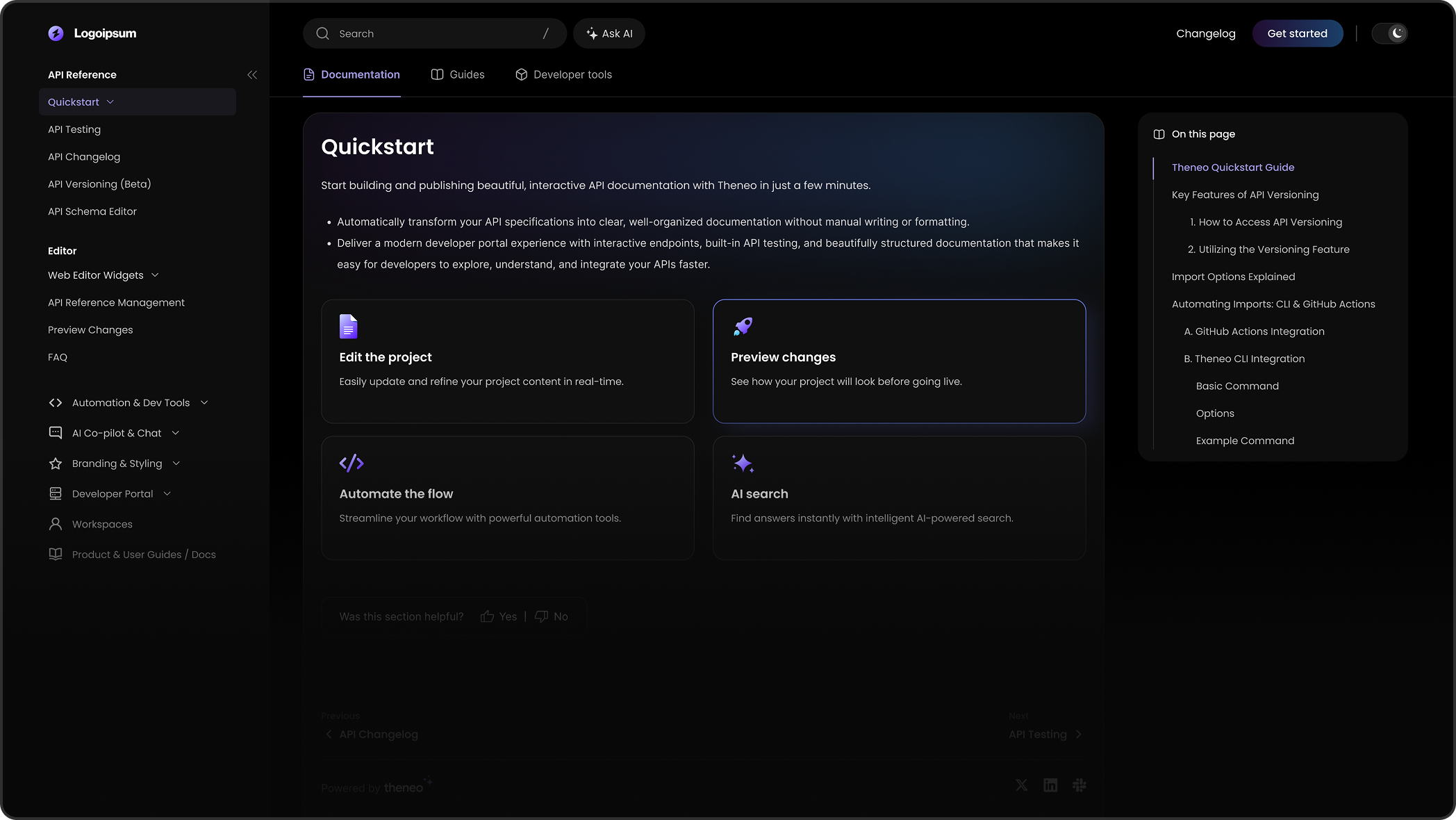
Choose any of these project themes and layouts.
Publish and go live
Publish privately or publicly, then connect a custom domain so your docs live at docs.yourcompany.com.
Next steps



On this page
- Quickstart