API Explorer & Testing
Theneo's API Explorer is a full, immersive testing environment, not a bolt-on "Try it" box. It lives inside your documentation, runs live calls against your real endpoints, and can ship as a standalone testing product your customers use on its own.
Most docs platforms staple a small request widget to the corner of a reference page. Theneo gives every reader a dedicated, distraction-free space to compose, send, and inspect real API calls: the kind of focused testing surface developers usually leave the docs to find elsewhere.
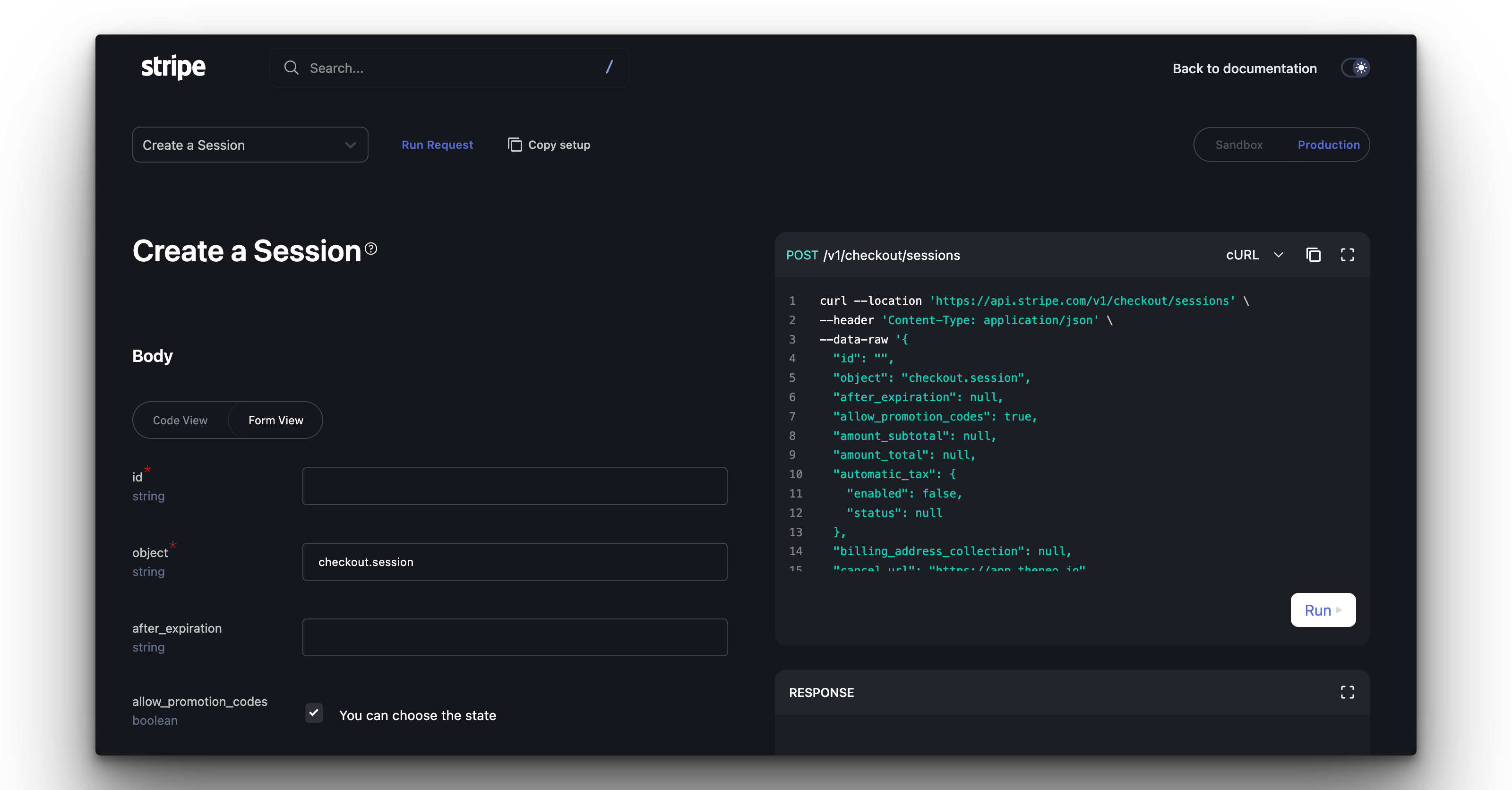
An immersive, separated testing experience
The Explorer opens into its own focused workspace. Instead of a cramped sidebar, readers get room to build requests, switch endpoints, and read responses without losing their place. It feels less like documentation and more like a purpose-built API client.
Built in, not bolted on
The testing surface is a first-class part of the experience, not an afterthought wedged beside the reference.
Always in sync
It reads directly from your live API spec, so the Explorer never drifts from what your API actually does.
Zero context-switching
Explore, test, and debug without leaving for Postman, Insomnia, or a raw cURL terminal.
Run it as a standalone product
Because the Explorer is a self-contained testing experience, it does not have to live behind your reference docs. Teams ship it as its own surface: an interactive API console customers reach for to explore, validate, and adopt the API, with no extra tooling to install.
A branded API console
A console customers can open directly, styled to match your brand and separate from the rest of your docs.
A sandbox and partner portal
A safe space for onboarding integrators and running guided evaluations against your sandbox.
An internal testing tool
A console your own team uses every day for QA, debugging, and live demos.
Key features
Every endpoint in your docs comes with the Explorer attached. Here is what readers get.
Real-time testing
Every API request includes a Try in API Explorer button for instant, live interaction.
Environment selection
Flip between Sandbox and Production with a single toggle, so testing is always safe.
Seamless navigation
Switch between API sections directly in the Explorer, without flipping back to the docs.
Informative fields
Every parameter comes with a clear description right inside the Explorer.
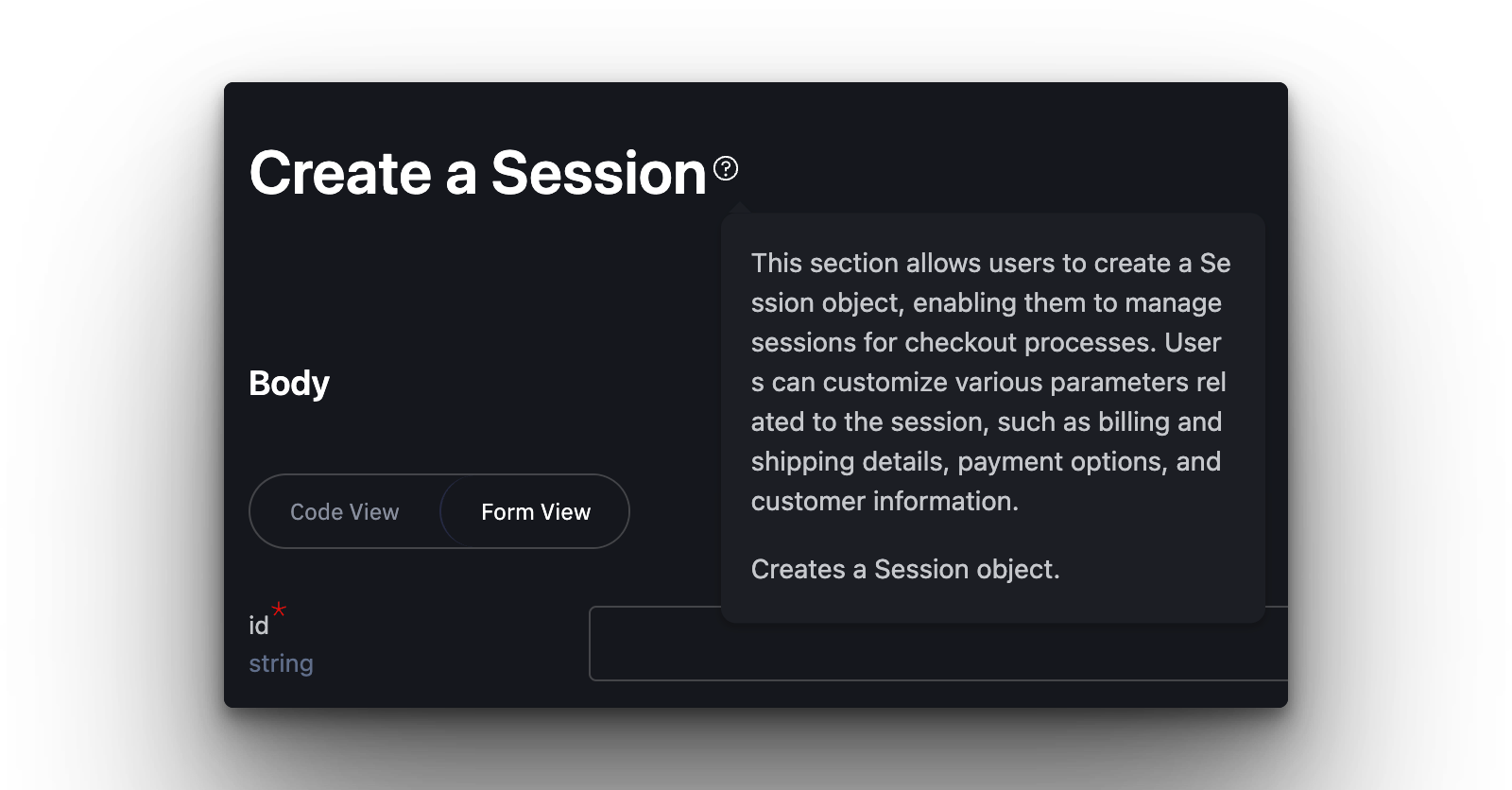
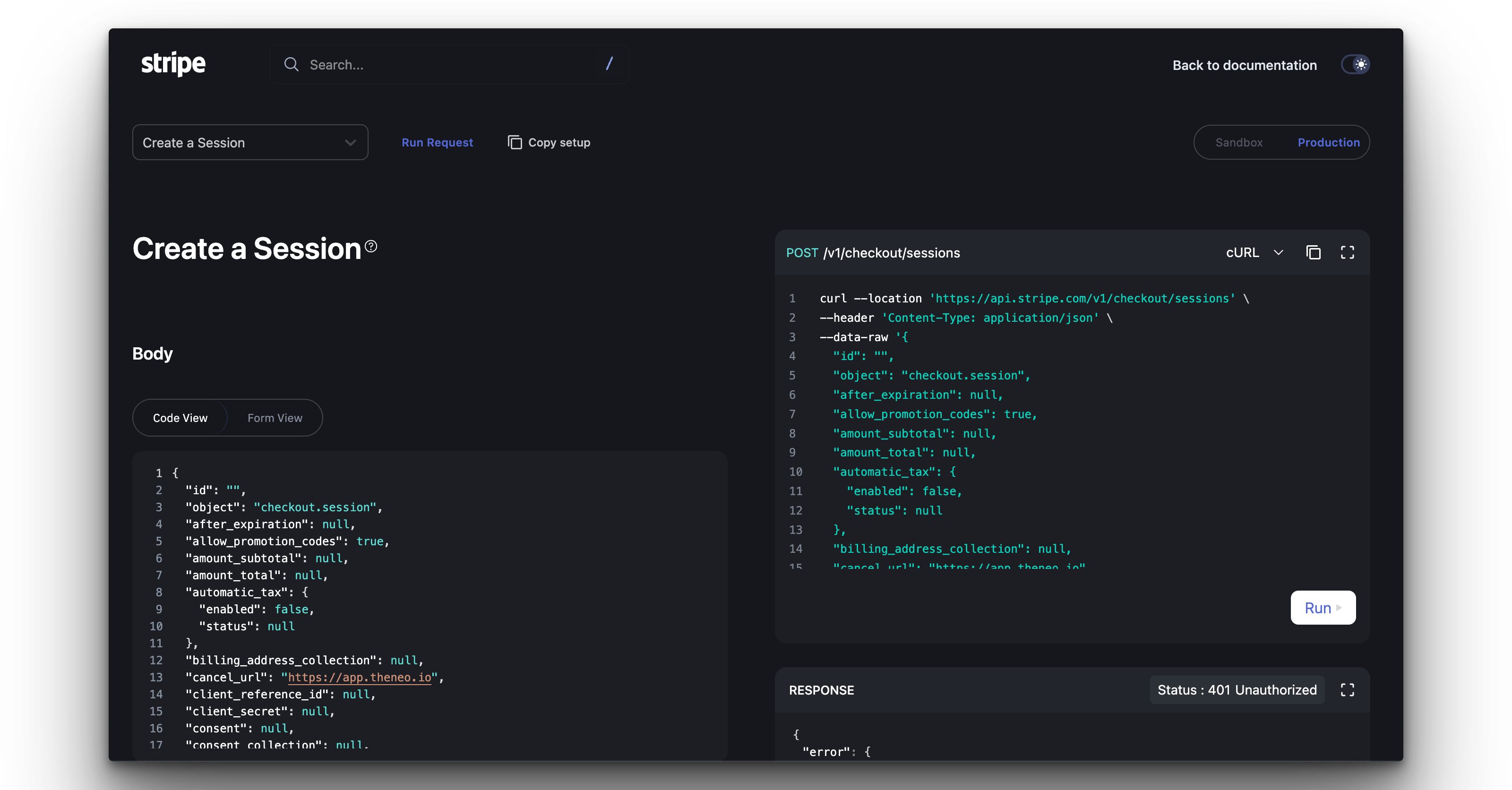
Form View and Code View
Compose requests the way you prefer. Switch between a guided form and a raw editor at any time.
A guided, field-by-field builder. Fill in parameters without writing a line of code, ideal for newcomers and quick checks.
A raw editor for custom snippets and full control over the request body, ready for power users who want to fine-tune every call.
Why teams choose it
No setup required. Changes in the editor or your API spec sync to the Explorer automatically.
Accessible to everyone. Designed for every skill level, lowering the barrier to trying your API.
Faster to first call. Live, immersive testing helps readers learn the API and reach a successful request sooner.
The result is a testing experience polished enough to stand on its own, and immersive enough that developers actually want to use it.


On this page
- API Explorer & Testing