A private portal for your customers
Give your customers a private, branded portal where they sign in to see only the documentation you have shared with them. It runs on your domain, carries your branding end to end, and gives no sign that Theneo is behind it.
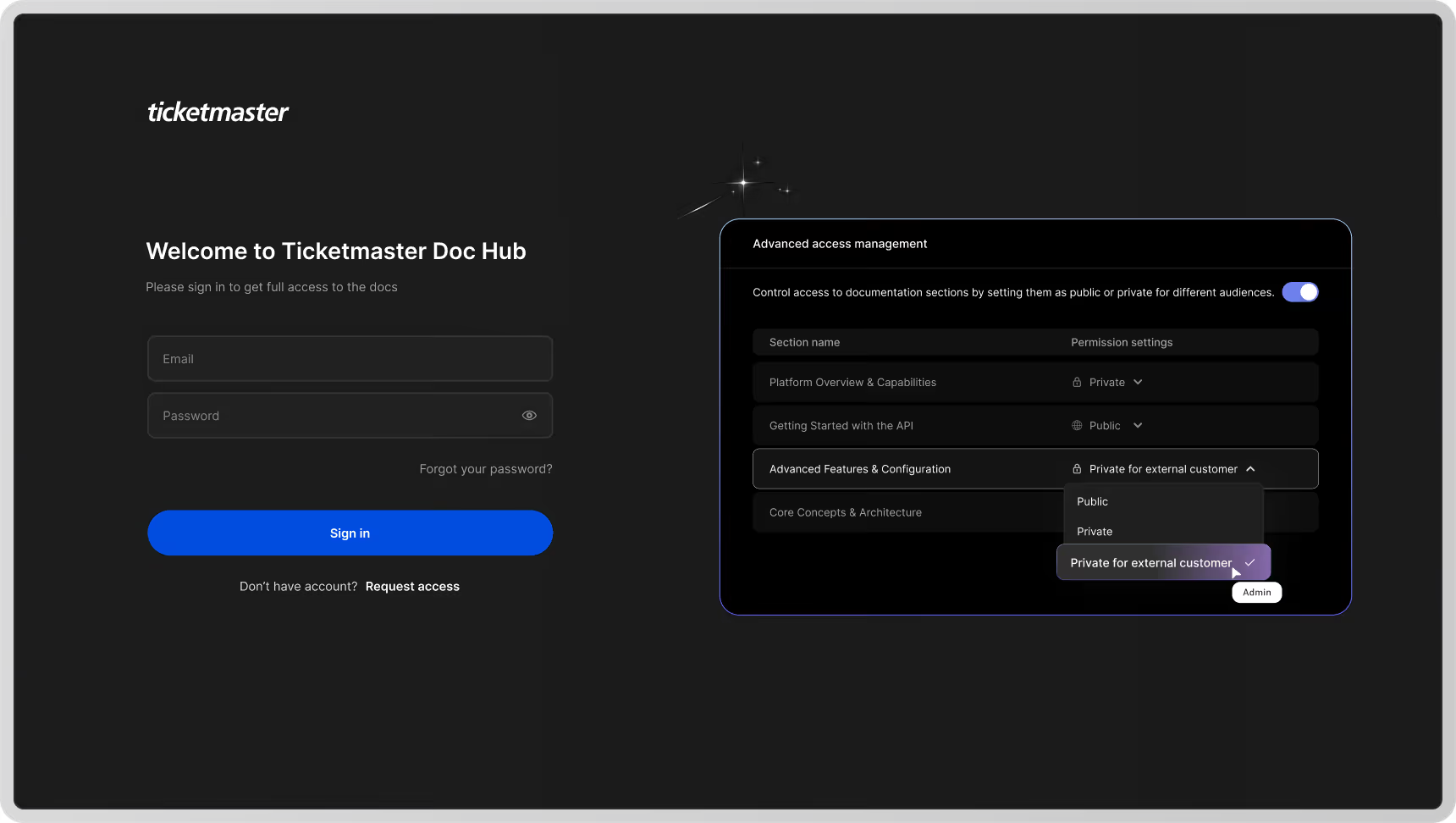
This is an Enterprise feature. Contact the Theneo team to enable a private customer portal for your workspace.
What your customers experience
From the customer’s point of view, this is simply your company’s documentation portal.
Your domain
The portal and its login page live on your own domain, for example docs.yourcompany.com/login.
Your branding
The login page, emails, and portal all use your logo, colors, and styling.
No mention of Theneo
Nothing in the experience reveals that Theneo powers it. To your customers, it is your portal.
How the flow works
1
Invite the customer
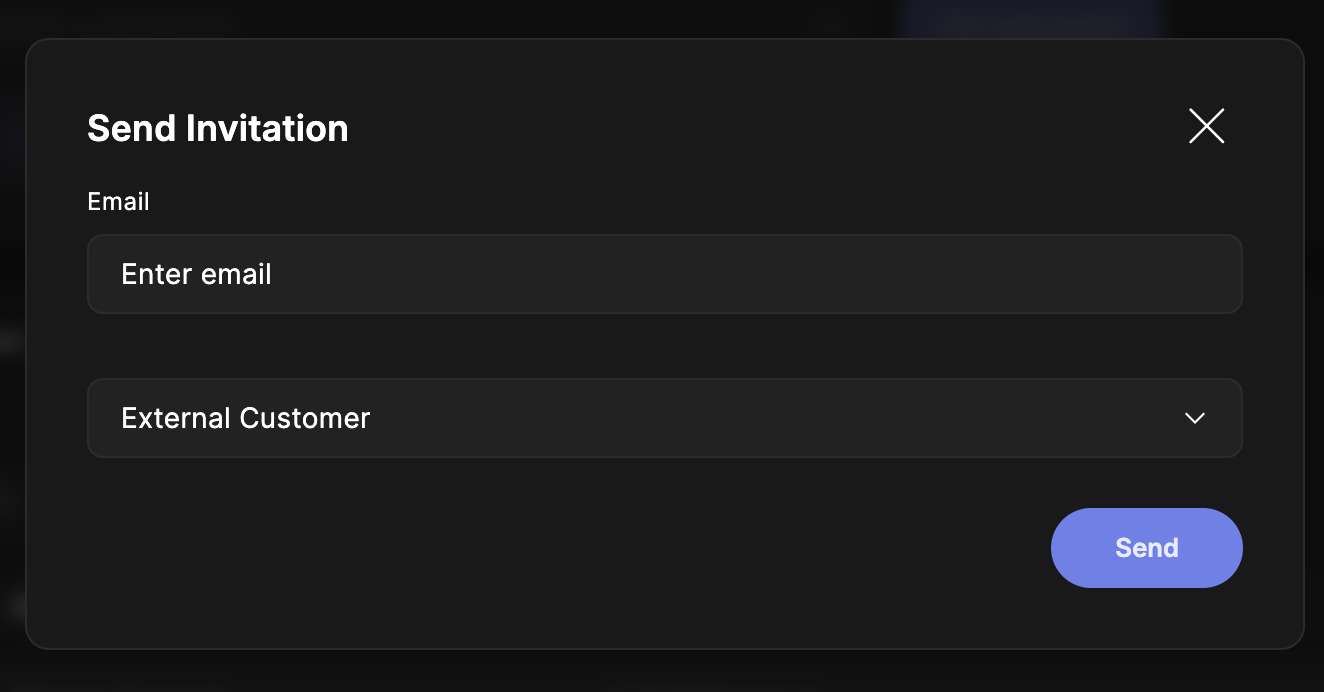
In External Customer Management, invite the customer by email and assign the projects they should see.
2
They get a branded welcome email
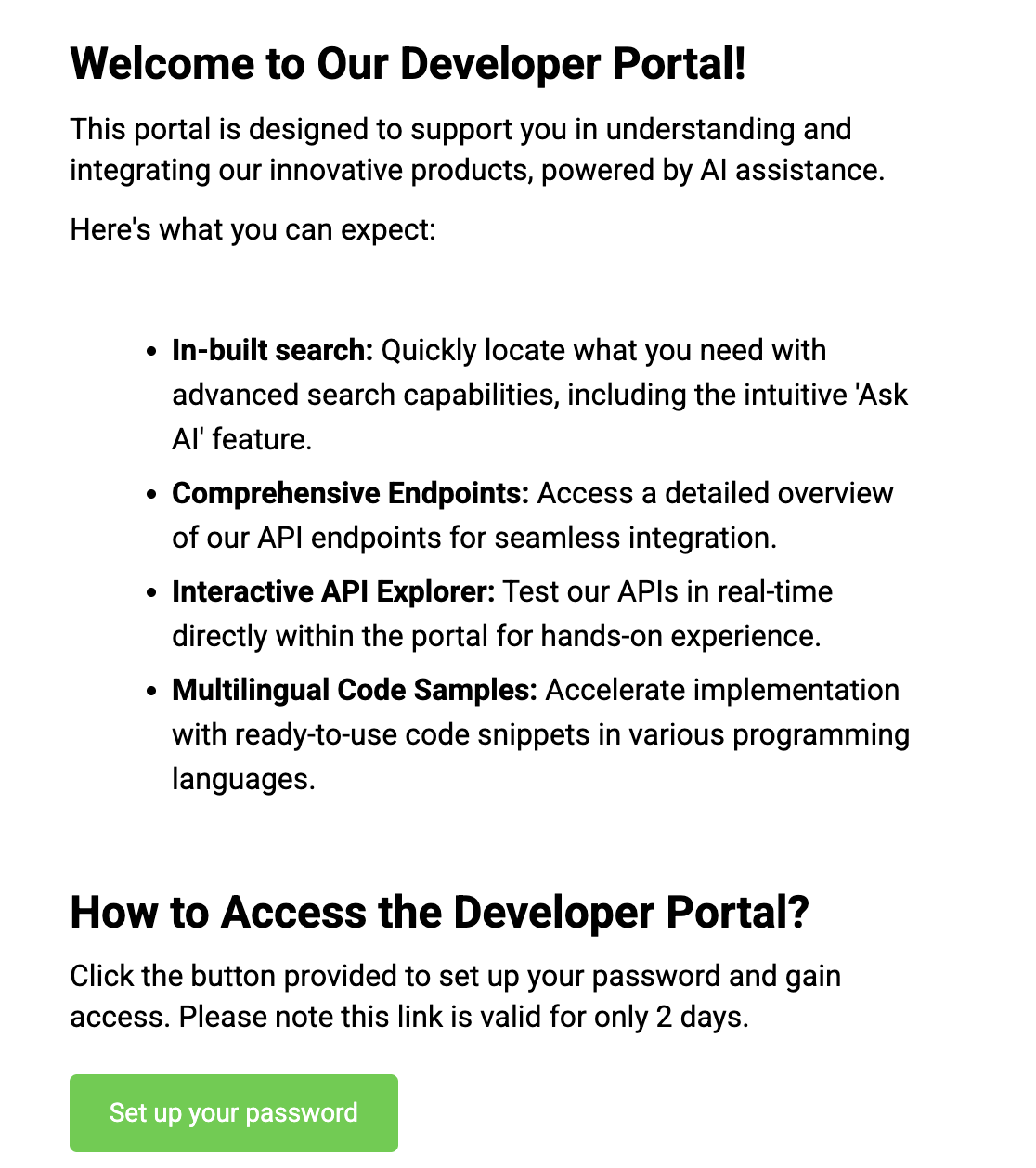
The customer receives a Welcome to the developer portal email, styled with your branding, inviting them to set up their account.
3
They set a password
The customer creates a password for their account.
4
They sign in
At your portal’s login page, on your domain, the customer signs in with their email and password.
5
They access their docs
They land in the portal and can open exactly the projects and sections you assigned, and nothing else.
Fully white-labeled
Every step, the welcome email, the login page, and the portal itself, uses your branding and your domain. Your customers never see Theneo, and never need a Theneo account.
Managing access
Invitations, status, and project assignments are managed in External Customer Management, covered under User groups and external customers. Use section-level controls in Access Management to fine-tune exactly what each customer sees.
Available on Enterprise plans. To set up a private customer portal, reach out at hello@theneo.io.


On this page
- A private portal for your customers