Templates
Every Developer Portal page starts from a template: a polished, ready-made layout you can customize and publish. Browse the catalog by category below, preview any template live, then apply it from the Add New Page modal in your portal dashboard.
Browse the complete, always-current catalog at theneo.io/developer-portal-templates.


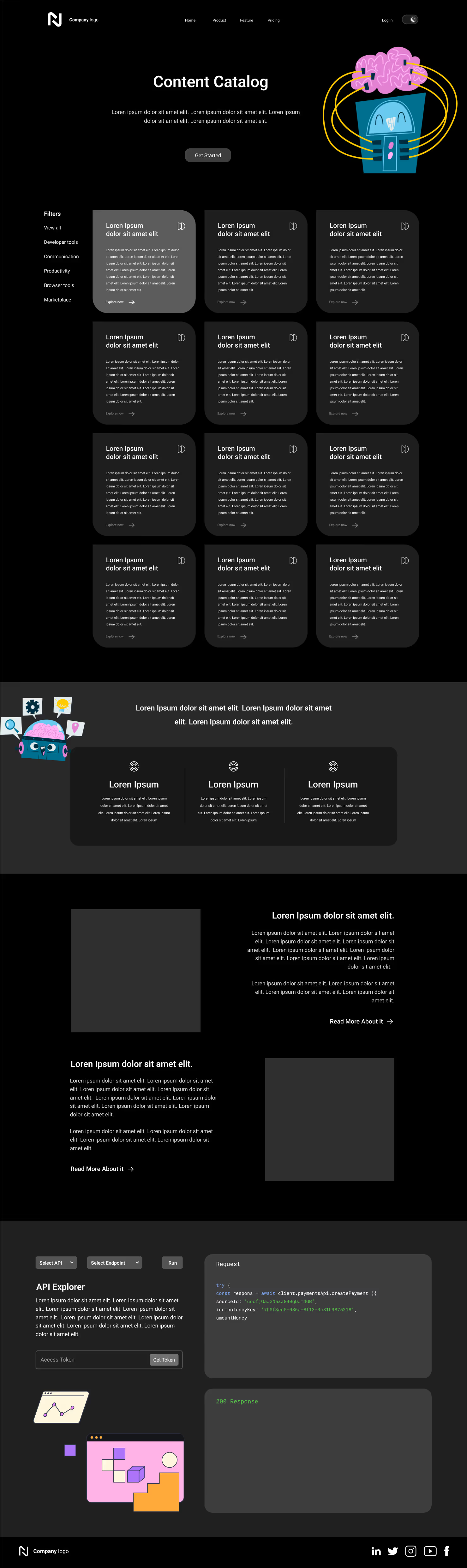


.avif)

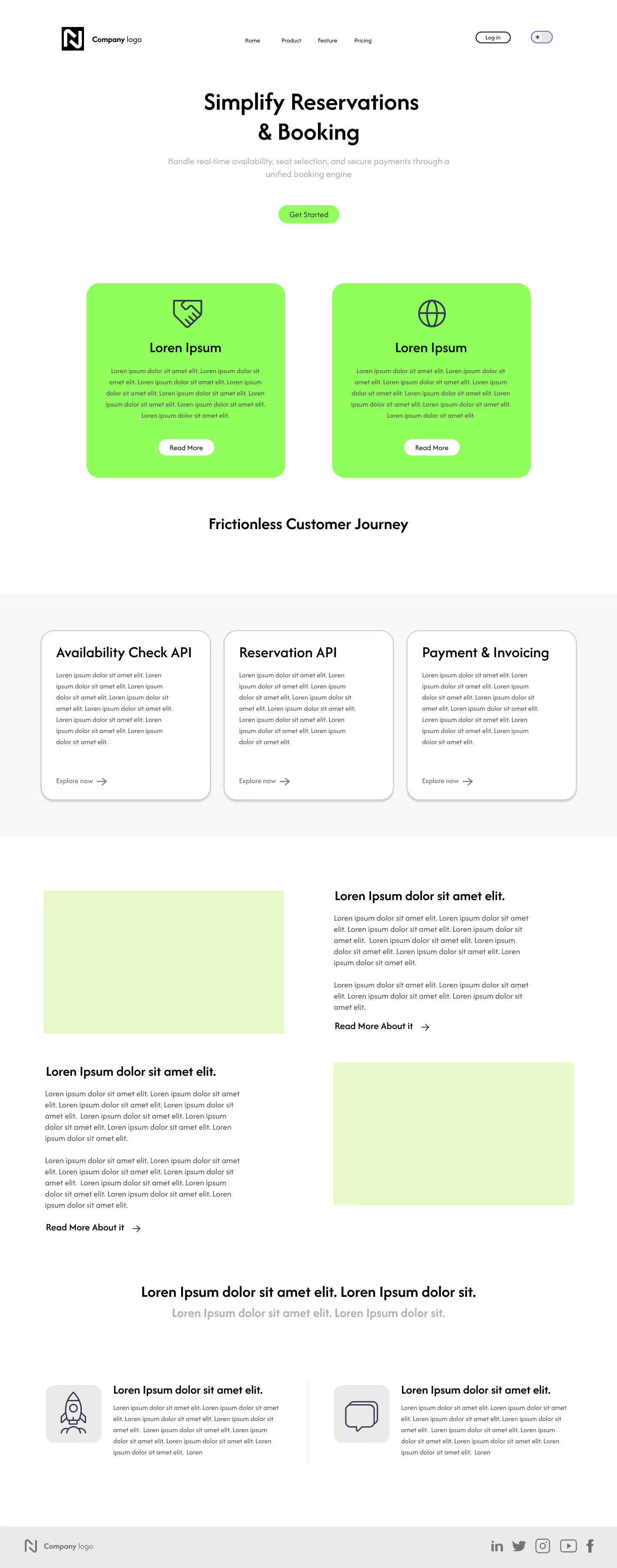
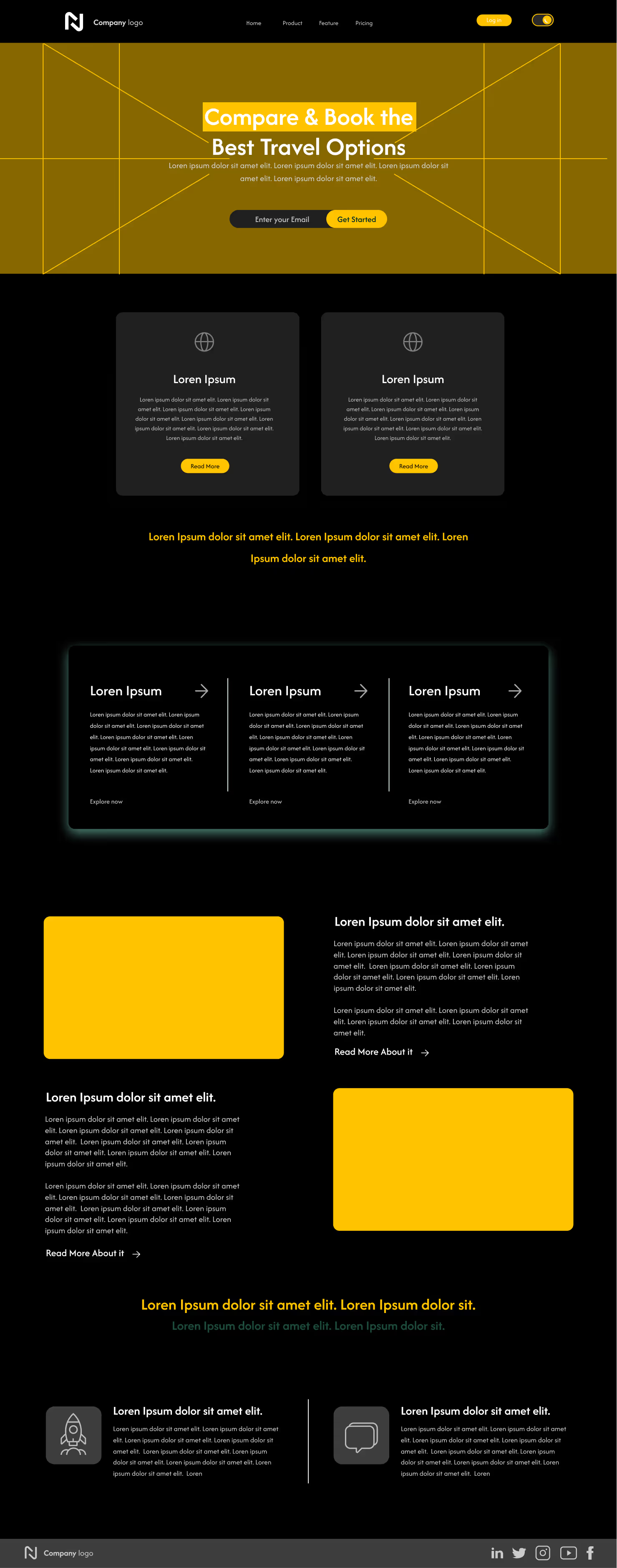


.avif)


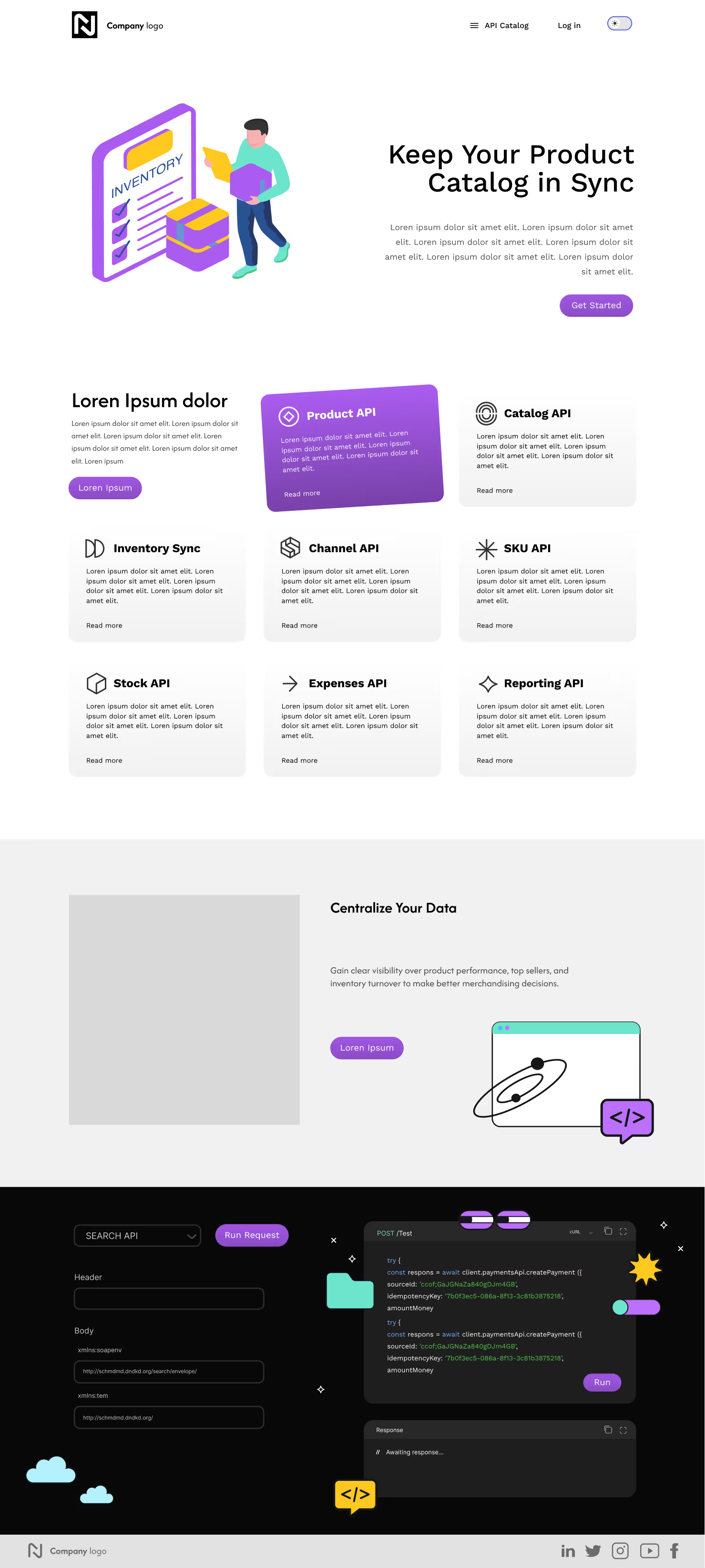
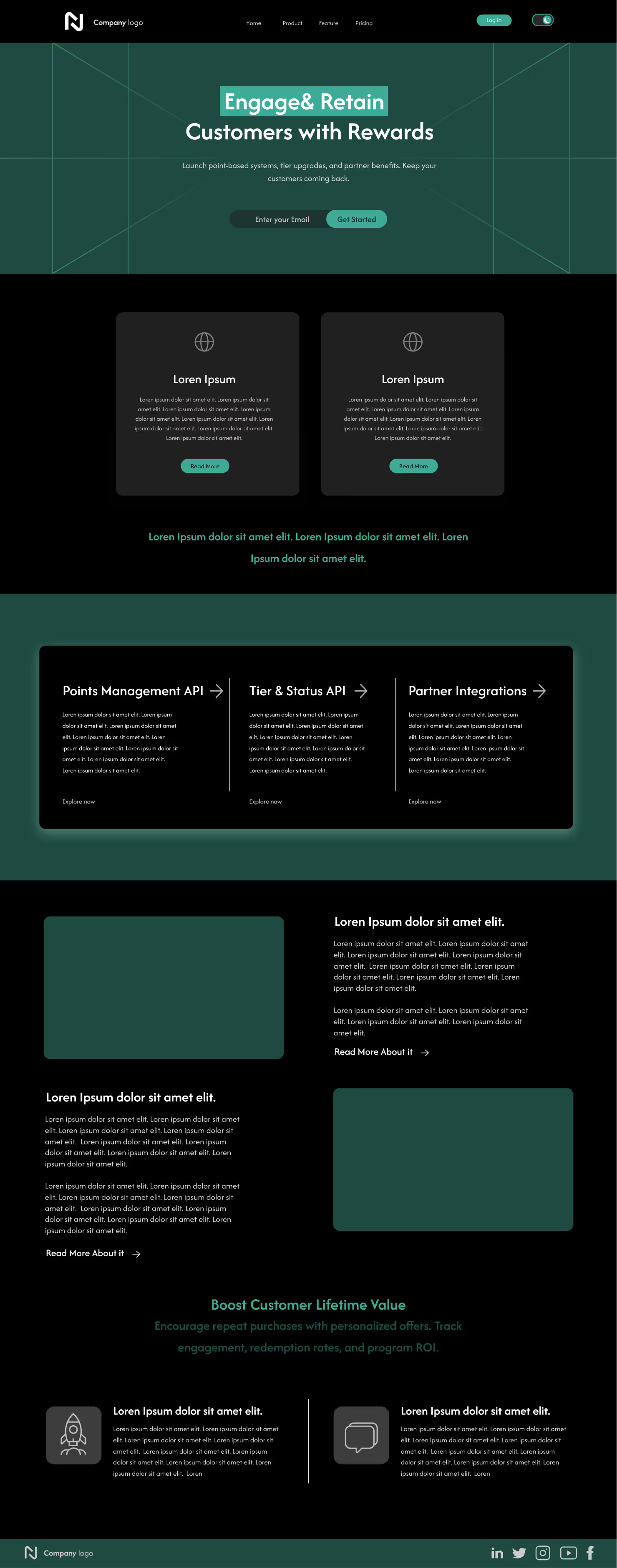
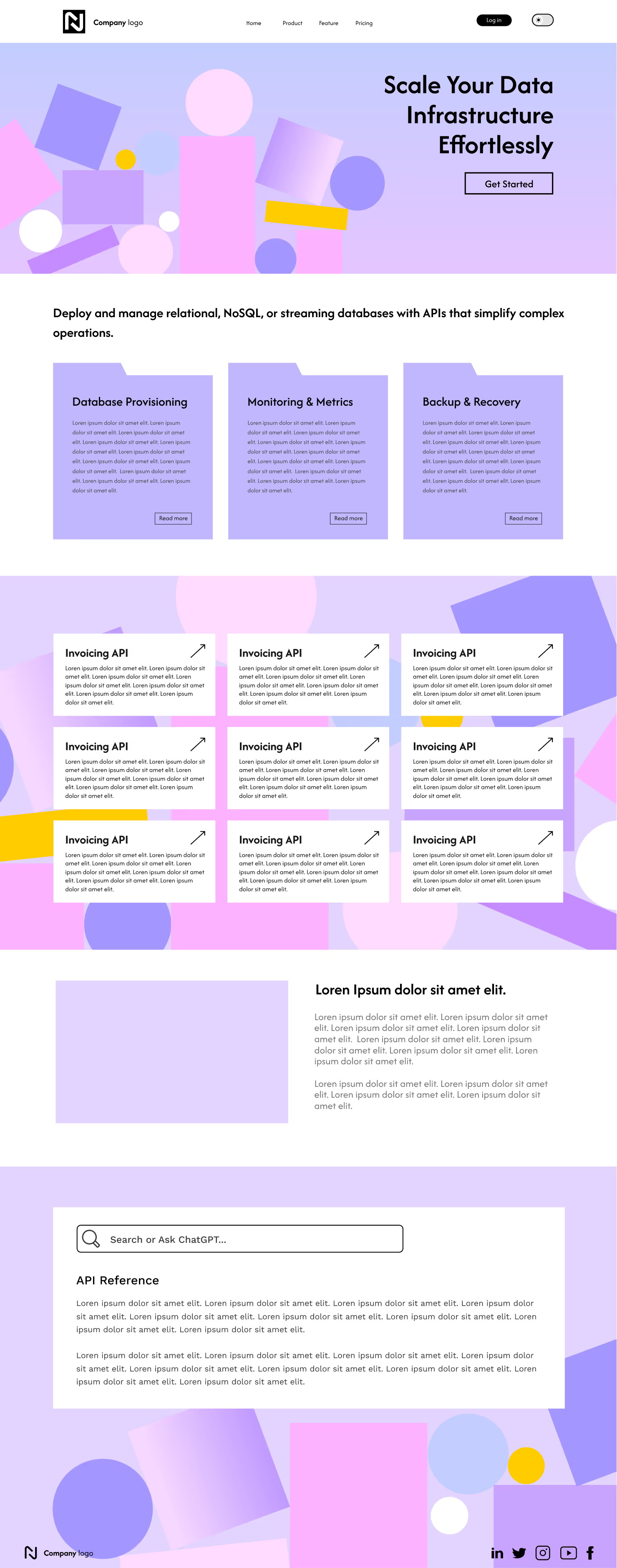
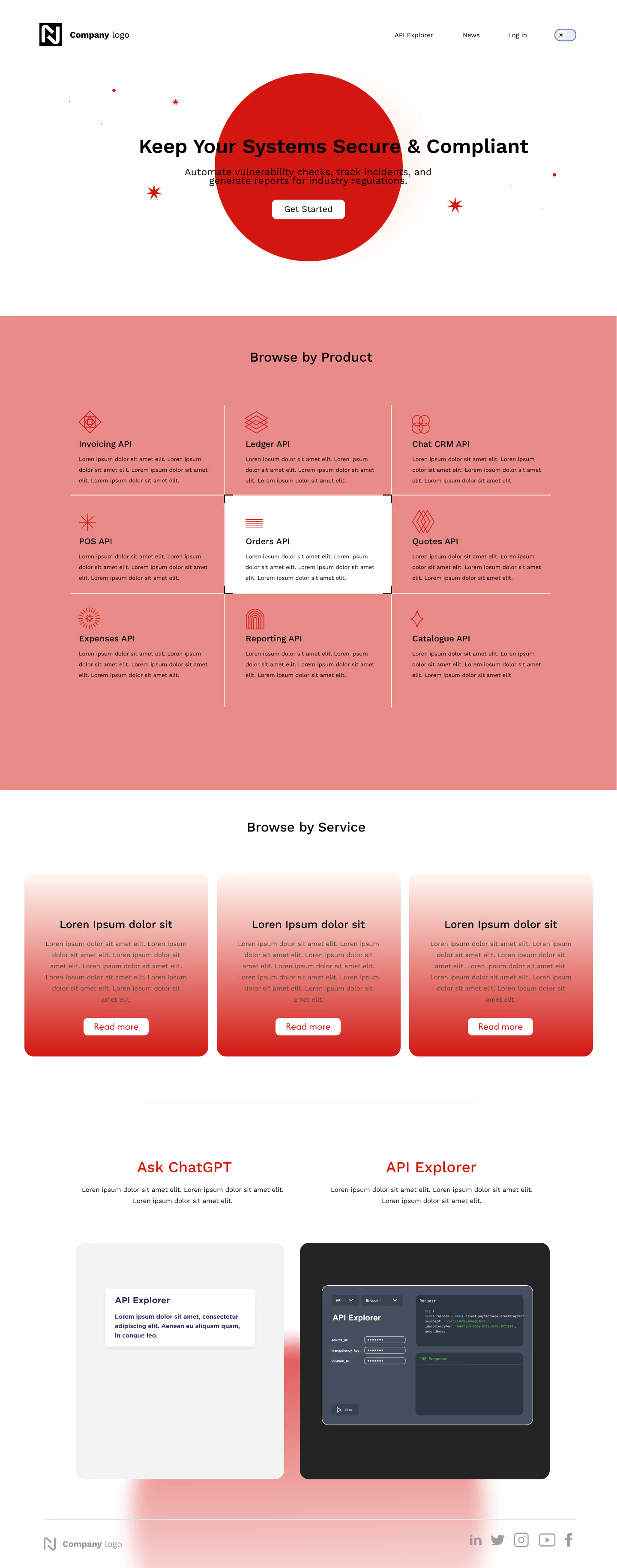

Want a bespoke layout beyond these templates? See Custom Design, or tailor any template in the Portal Editor.
Custom Design
Have a portal design in Figma? Theneo’s team will build it into a fully functional Developer Portal.
How it works
1
Prepare your design
Finalize your design in Figma or your preferred tool, making sure it includes every element you want in the portal.
2
Submit your design
Contact the Theneo support team and share your design files.
3
Review & confirmation
The team reviews your design for feasibility and alignment with the platform, and may suggest optimizations for the portal environment.
4
Implementation
Once approved, Theneo's team uses your design as the blueprint to build a custom-tailored portal.
5
Delivery & review
Theneo aims to deliver within 3 business days. Review the portal to confirm the design was implemented accurately.
6
Revisions
Share any tweaks needed, and the team revises to match your specifications.
7
Finalize & go live
After final adjustments, the portal is finalized. Publish it and make it available to your users.
Custom design is available on the Growth tier.


On this page
- Templates