Developer Portal
The Developer Portal is the customizable home your readers land on, a branded hub that sits in front of your API references, guides, and changelogs and ties them into one experience.
Design it visually with no code, or drop down to HTML/CSS when you want pixel control. Gate it behind login when your portal is for customers or partners only.
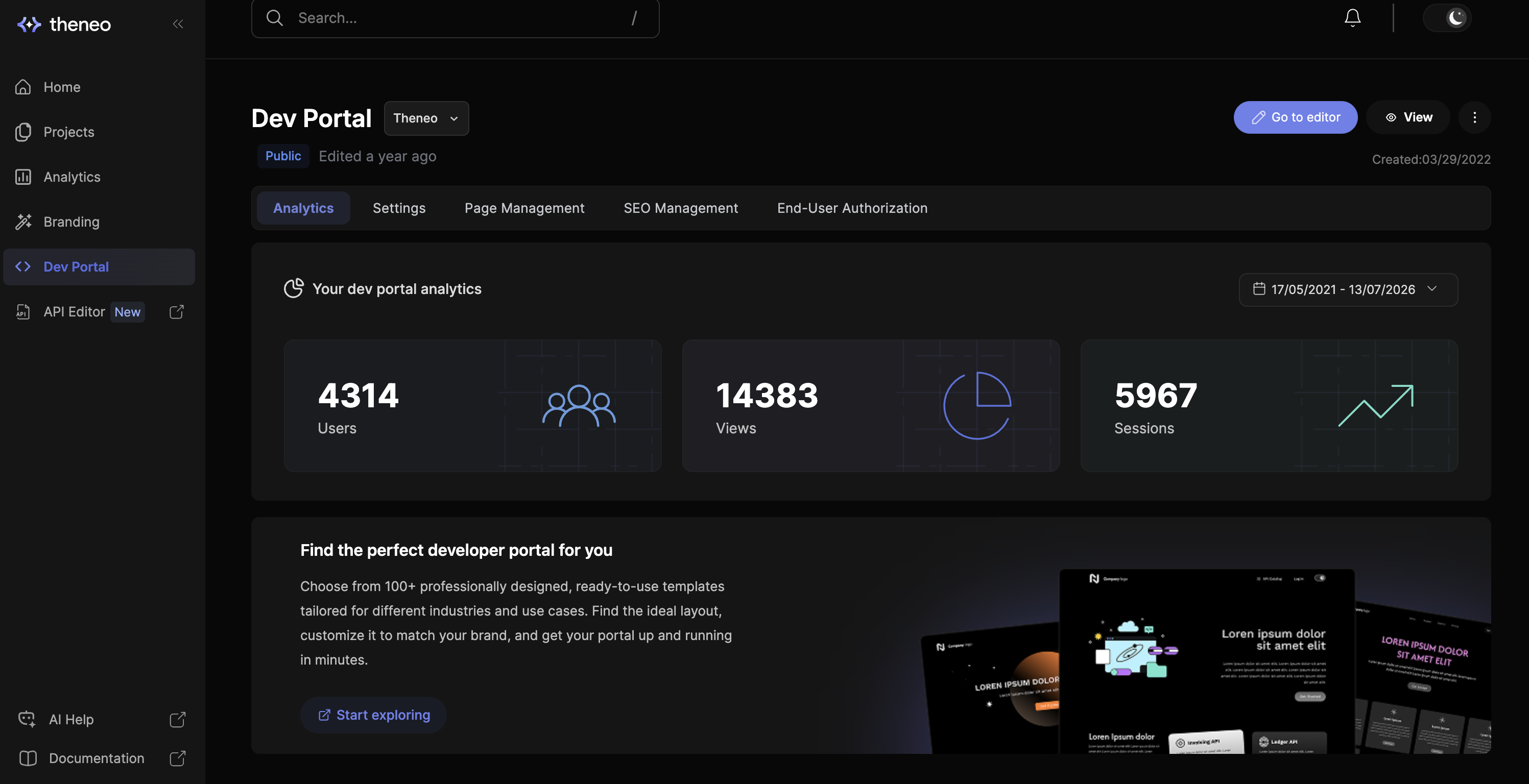
Accessing your Developer Portal
To open your Developer Portal, head to the left-hand menu and select Dev Portal. This is where everything for your portal lives: analytics, pages, settings, and end-user access.
What you see next depends on whether you have built a portal before.
First time here
You'll land on a gallery of ready-made templates. Pick one as your starting point, then customize it to match your brand.
Already have a portal
Go to Page Management to see all your pages. Just like projects, each page opens in its own editor so you can work on them one at a time.
How the portal editor works
The Developer Portal editor is a little different from the Theneo project editor. Instead of structured documentation blocks, it is a low-code, no-code builder for HTML pages, so you can shape the layout freely.
Bring your own code
Comfortable with HTML and CSS? Import your own code and keep full control over the markup.
Double-click to edit
Prefer to stay visual? Double-click any element on the page and change it right there, no code needed.
In this section
Dashboard & Pages
Create and organize the pages of your portal from one dashboard.
Portal Editor
Build and arrange your landing page with the visual drag-and-drop editor.
Templates
Start from a ready-made portal layout and make it yours.
Custom Design
Fine-tune the look with custom HTML, CSS, and brand styling.
Export / Import Code
Move your portal design in and out as code to version or reuse it.
End-User Authorization
Require readers to sign in before they can view your portal.


On this page
- Developer Portal