AI Markdown Export
AI / Markdown Export turns any page into clean, LLM-ready Markdown in one click, ideal for ChatGPT, Claude, and coding assistants.
- Achieve better response accuracy with AI tools
- Reduce token usage and speed up processing
- Give AI assistants the full context of your documentation
This is especially powerful with AI tools like ChatGPT, Claude, Gemini, and Perplexity, plus AI code assistants such as Cursor, Codex, and Copilot.
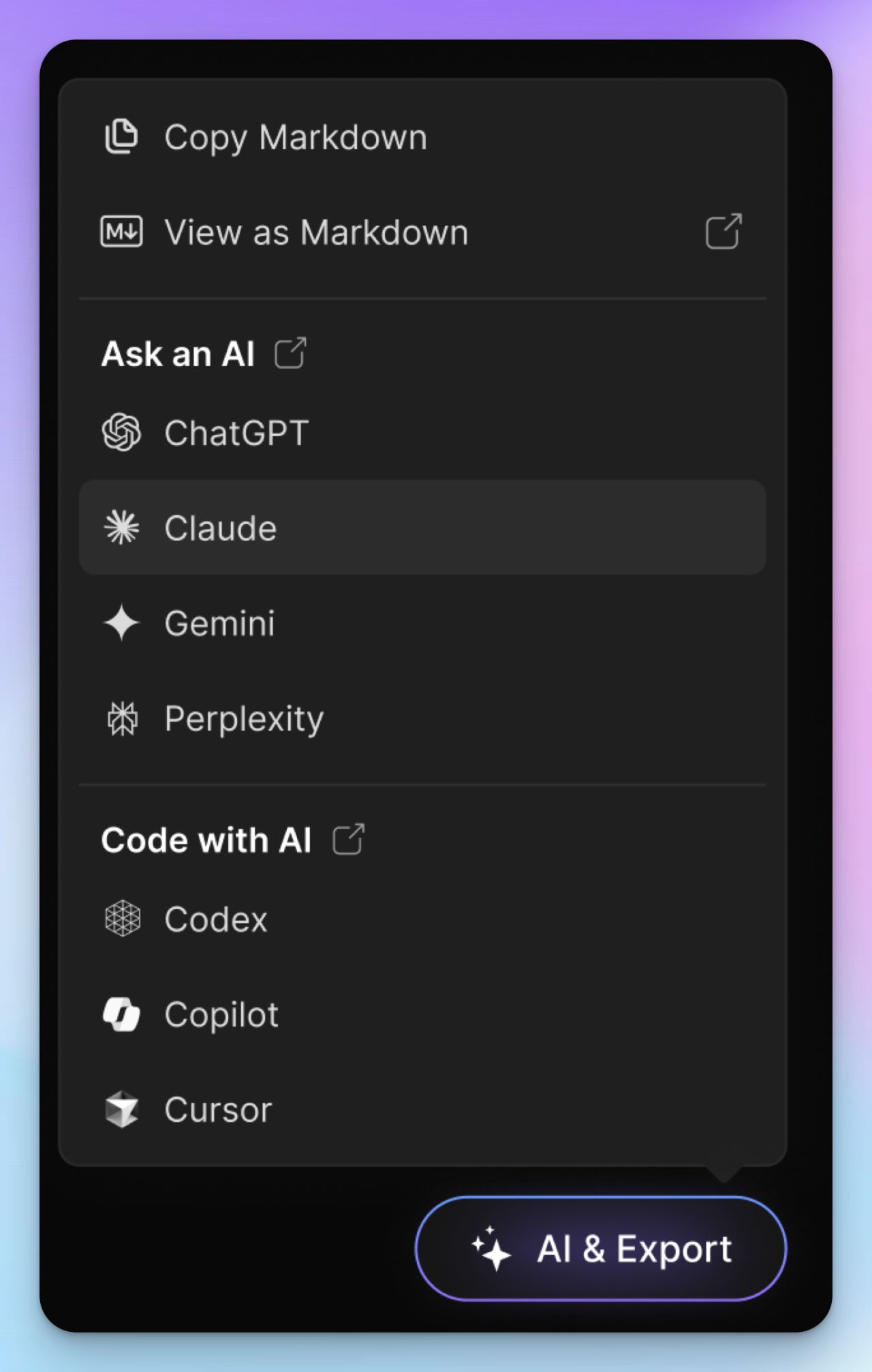
Tip: Curious to see it in action? Try the AI Export feature right here in this Theneo user guide.
Looking for PDF export? Theneo deliberately favors live, always-current formats (Markdown export, AI export, and per-section .md) over static PDFs. Your content stays copy-pastable, AI-ready, and never goes stale the moment it’s downloaded. It’s everything a PDF gives you, minus the drift.
Enable AI / Markdown Export
1
Open Project Settings
Sign in to your Theneo dashboard, open the project you want, and go to Project Settings → Features.
2
Enable AI Helper & Export
Find AI Helper & Export in the Features list and toggle it ON.
3
Configure export options
Choose which options should appear in the AI Export dropdown.
4
Export Markdown
On your documentation pages, use the AI Export dropdown to generate a Markdown version of your content, ready to drop straight into any AI tool.
Note: AI / Markdown Export is available for public projects.
Want a machine-readable index of your whole site for LLMs? See llms.txt, or the full GEO toolkit.
Using AI coding assistants? Theneo also publishes a skill.md that teaches assistants like Claude and Cursor how to author Theneo documentation correctly, so AI-generated content follows Theneo’s structure and widgets out of the box.


On this page
- AI Markdown Export